Hype5 Theater 0.7.0 · Beta — by invitation
Schedule and performances
On this page
The schedule (Mängukava) holds the performances: the dates on which productions are played, each with its venue, time zone, status and ticket offers. Performances are separate from productions and are not WordPress posts, so they have no publication status, no Trash and no WordPress edit lock of their own. This page describes the Schedule of the Hype5 app (Hype5 Theater → Schedule). It needs the manage performances permission (manage_hype5t_performances). Where the app is switched off, the classic Schedule screen edits the same records.
Three separate statuses
| Status | Values | Belongs to |
|---|---|---|
| Occurrence status | Scheduled (Kavas), Sold out, Cancelled (Jääb ära), Postponed | the performance |
| Ticket availability | Available, Sold out, Closed, Unknown | each ticket offer |
| Publication | WordPress status and visibility | the production |
A performance appears on the public site only while its production is published without a password (see Security and content visibility). A ticket button appears only for a future performance with occurrence status Scheduled, on an offer with a web address whose availability is Available or Unknown. Sold-out, cancelled, postponed and past performances keep their offers as information without a purchase link.
The Schedule screen
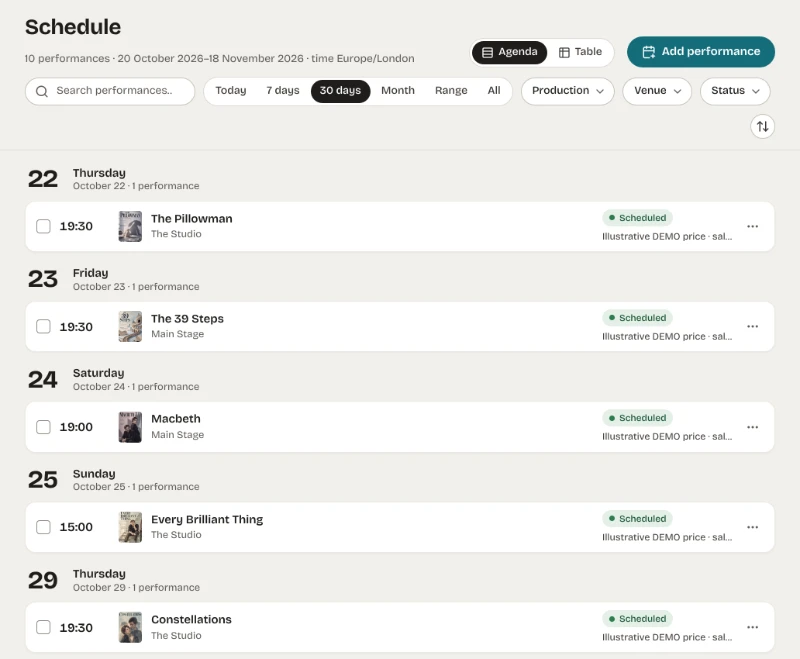
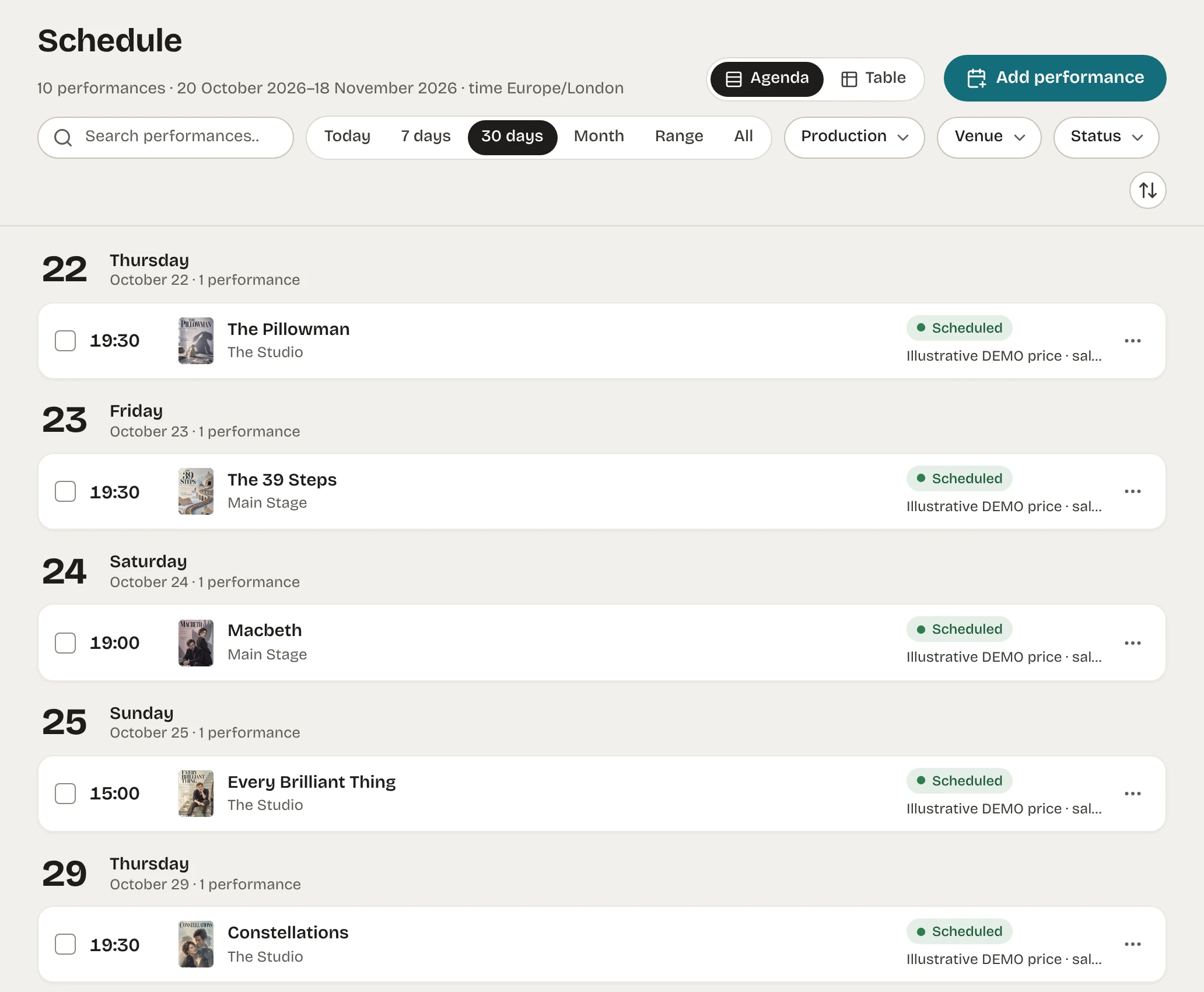
- Agenda (Päevakava) and Table (Tabel) show the same records with the same filters.
- Period: Today, 7 days, 30 days, Month, Range, All. The navigation entry opens the next 30 days. A chosen month replaces a date range.
- Filters: production, venue, status; text search over production, venue, city, room, internal note and record number. The filters are part of the address, so a view can be bookmarked.
- Days follow the site's time zone; each row shows the performance's own local time, and its zone when it differs from the site's.
- 50 rows per page, earliest or latest first.
The performance panel
Opening a row shows every field:
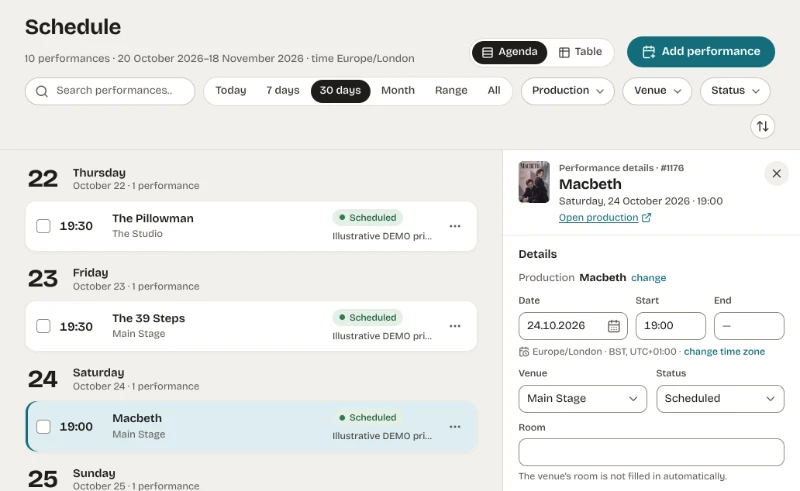
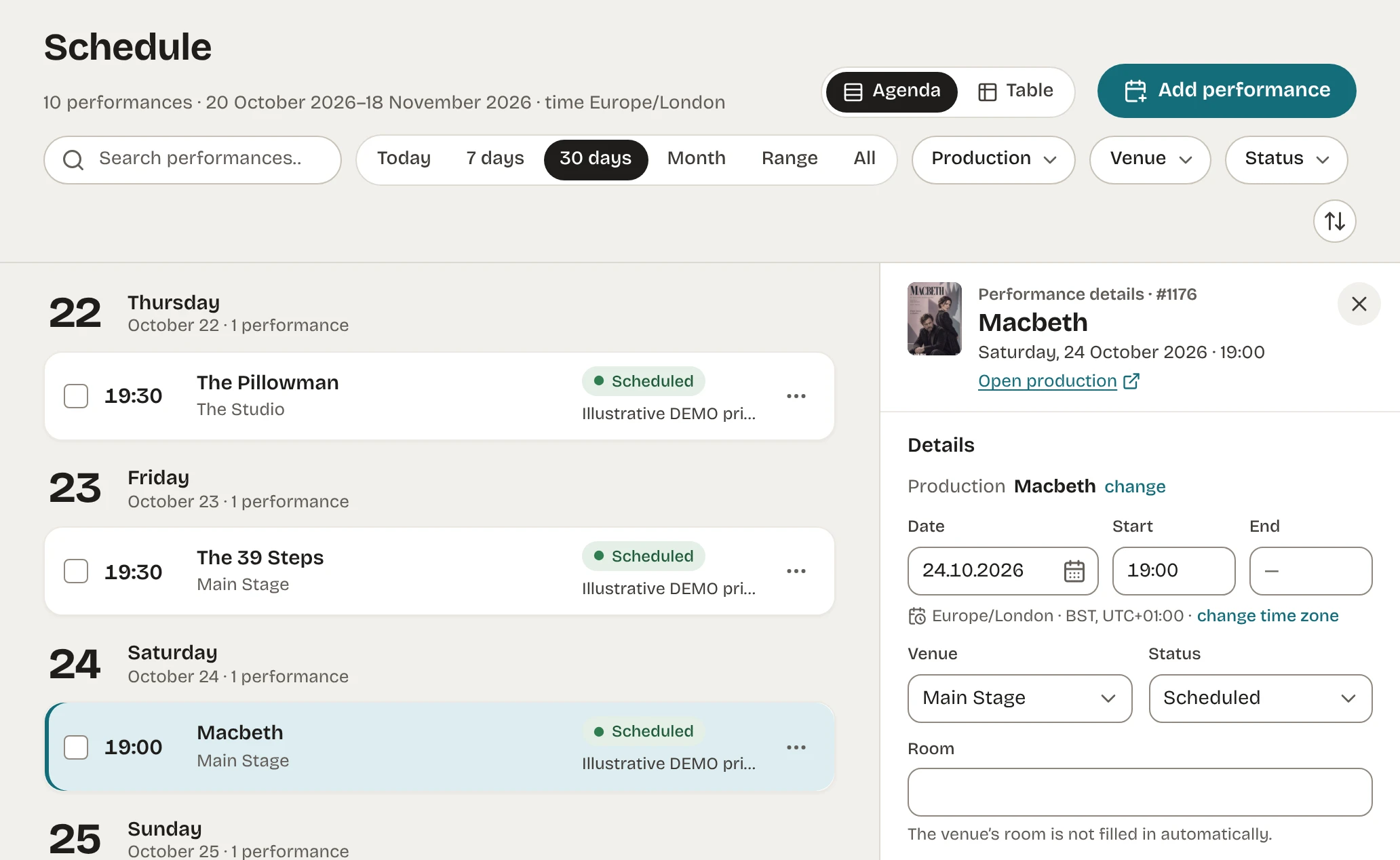
- production, date, start and end time (an end after midnight has its own date), time zone, venue, room;
- occurrence status, replacement link, attendance, internal note (internal note and attendance are never shown publicly);
- events (Preview, Premiere performance, Final performance, School performance, Post-show discussion) and services (Captioned, Audio described, Sign-language interpreted, Relaxed performance, Sensory friendly, Simultaneous interpretation), each with an optional detail text;
- physical accessibility (wheelchair access, hearing loop): inherited from the venue or set for this performance (Yes / No); Take from the venue again returns to inheriting;
- ticket offers: seller, name, web address, price from–to, currency, availability and note; at most 30 per performance, in order (see Ticket offers).
A save writes the performance and all its offers together or not at all. If someone else changed the same fields meanwhile, nothing is saved and the changed fields are marked.
Delete permanently… removes the performance and its ticket offers; there is no Trash. A performance that is another performance's replacement cannot be deleted until that link is removed.
Adding performances
Add performance opens the composer:
| Mode | Use |
|---|---|
| One performance | a single date with every field. |
| Copy | a new performance prefilled from an existing one. |
| Replacement | a new date for a cancelled or postponed performance (see below). |
| Series (Sari) | 1–50 dates sharing production, venue, room, time zone, start time and details; a date may have its own start time. |
| Tour (Ringreis) | 1–50 stops sharing production and details, each with its own date, start, venue, room and time zone. |
The composer shows each row as it will be saved before you save, including times affected by daylight-saving changes. Saving is all or nothing; a performance identical to an existing one (same production, venue, room and start) is skipped and named. Retrying after a lost connection never adds the same performances twice. Series and tours have no end time or attendance; add those per performance afterwards.
For users without the Hype5 app, the classic Schedule screen offers the same modes as Quick Add, Duplicate, Create replacement performance, Add Multiple Dates and Tour Entry.
Cancellations and replacements
- Set the occurrence status to Cancelled or Postponed. Only these performances can have a replacement.
- Choose Create replacement performance and enter the new date.
The original keeps its history, becomes Postponed unless it is already Cancelled, and links to the replacement; public schedules show the link. A performance with a replacement link cannot be set back to Scheduled or Sold out until the link is removed. Circular links are refused.
Bulk actions
Select up to 100 rows to mark them scheduled, sold out or cancelled, change or remove the venue, or delete them permanently. A bulk action is all or nothing; rows changed since the list was loaded stop the action and are named. Cancelling, changing the venue and deleting always ask first.
Times and time zones
Each performance stores its start as a fixed instant together with its own time zone, so tours can cross time zones. A time that does not exist because clocks go forward is refused; a time that occurs twice when clocks go back is explained. Dates are typed as numbers in the order of the site's date format: with d.m.Y as 24.10.2026; with a format that writes the month as a word, such as j F Y, still as numbers in that order (24.10.2026), while lists and the panel show 24 October 2026.
In the production editor
Performances (Etendused) in the production editor lists the production's upcoming or past performances and opens the same panel and composer over the editor. People who may edit the production but not manage performances see the list read-only, without internal notes or attendance.